
Start a Video Meeting
Create a meeting with Voicli and invite your international colleagues, clients, or friends. Participants can join through a supported web browser without installing a desktop application.
Make international video conversations easier. Voicli brings video meetings, AI-powered voice translation, and translated subtitles together, so people who speak different languages can communicate in the same call.
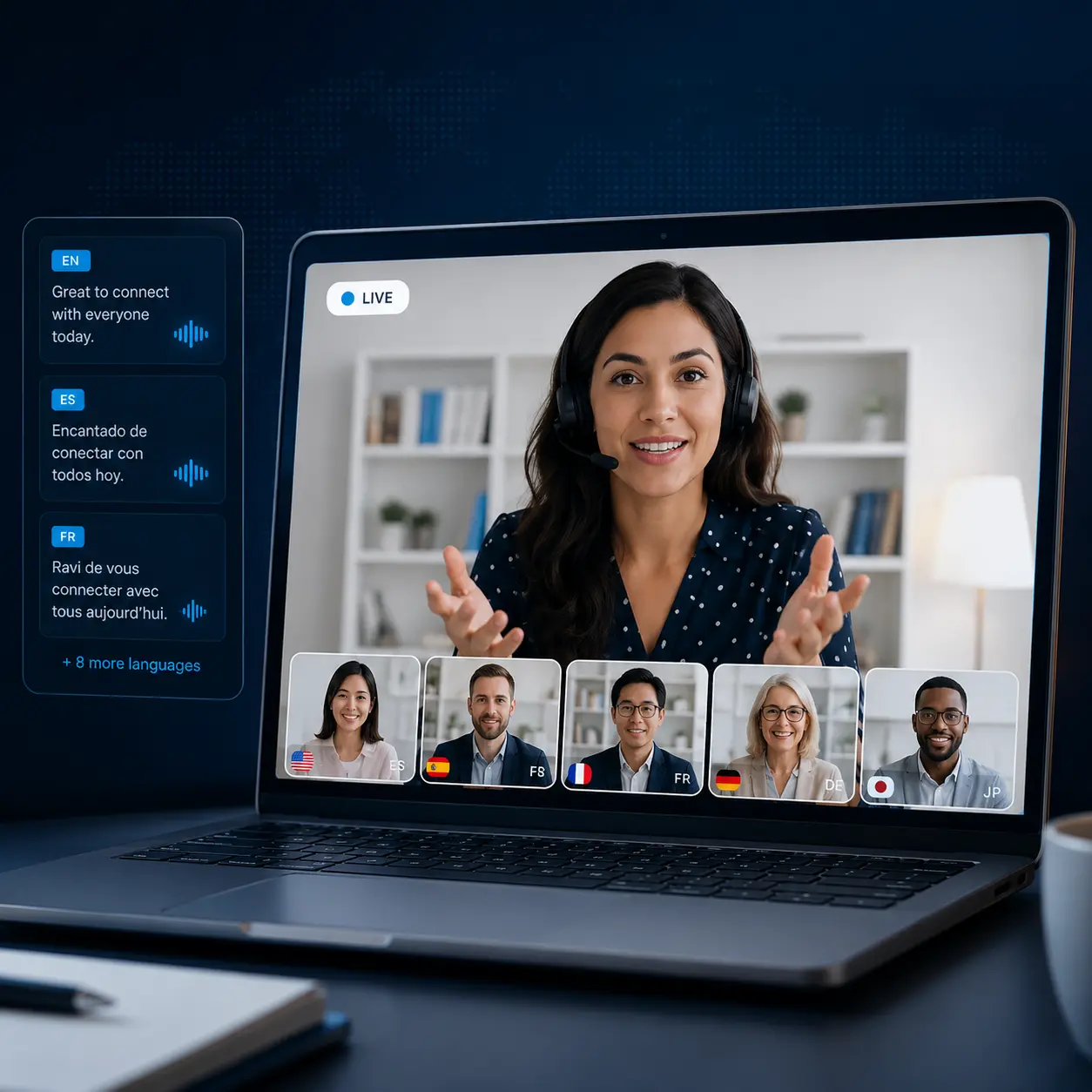
Start a multilingual video meeting in your browser. Choose your languages and the translation mode that fits your conversation.
Create a meeting with Voicli and invite your international colleagues, clients, or friends. Participants can join through a supported web browser without installing a desktop application.
Select the languages and choose how you want to follow the conversation. Voicli supports original audio, translated subtitles, and Premium AI voice translation.
Continue your video conversation while Voicli helps participants understand speech in another language. Depending on the selected mode, translations are delivered through subtitles or synthesized speech.
Translation quality and delay may vary depending on the language, speech clarity, microphone quality, and internet connection. Premium voice translation and subtitles are subject to plan limits.
Use Voicli when a language barrier makes an online conversation harder than it needs to be.
Communicate with overseas clients, partners, and suppliers in multilingual video meetings. Discuss projects, share ideas, and follow conversations with translated speech or subtitles.
Bring team members from different countries into the same video meeting. Let participants communicate in their preferred languages during planning sessions, training, and team discussions.
Have a video conversation with someone who speaks a different language. Use Voicli for interviews, consultations, introductions, or everyday international communication.
Learn what Voicli can translate, how participants join, and which meeting scenarios it supports.
Yes. AI can recognize speech during a video call, translate it into another language, and deliver the translation as voice or subtitles. Voicli brings this process directly into multilingual video meetings.
Yes. With real-time voice translation, each participant can speak their own language while the other person receives the conversation in a language they understand.
No software installation is required. Participants can join a Voicli meeting through a supported web browser.
Voicli provides its own browser-based video meeting platform with built-in translation. It is not a plugin that directly translates audio inside an existing Zoom, Microsoft Teams, or Google Meet call. To use Voicli's translation features, participants join a Voicli meeting.
Yes. The Free plan includes limited meeting and translation usage. See pricing for current limits.